
Current Students
STUDENT ANNOUNCEMENTS
Register now for fall!
- Current students: Make an appointment with your advisor now to select your courses.
- New students: Apply today to get started.
SEARCH COURSES
Use the course search to find upcoming courses (view ONLY). You must sign-in to register for courses.
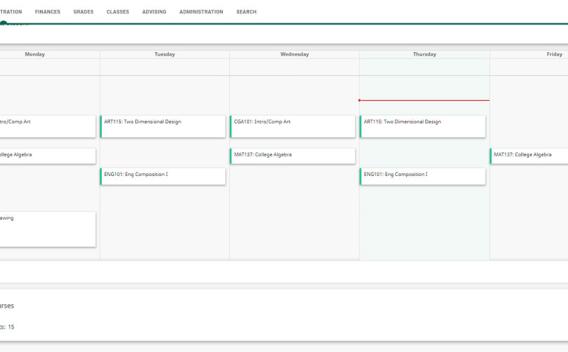
ONLINE SERVICES PORTAL
Use the Online Services Portal to access Canvas, Student Email, course registration through Self-Service, and other online services.

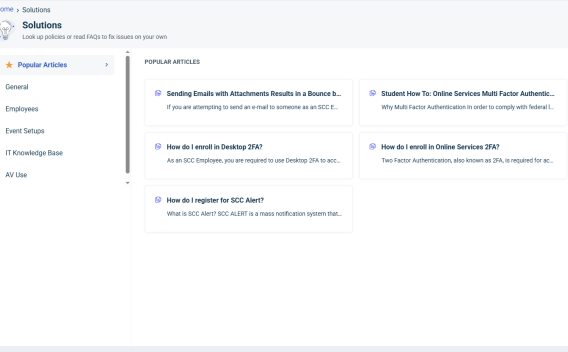
KNOWLEDGE BASE
Having some issues? See if you can find a resolution with the help of the Knowledge Base. If you need assistance, call the SCC Help Desk at 856.351.2671
TEXTBOOKS
Learn how to get your textbooks for classes.

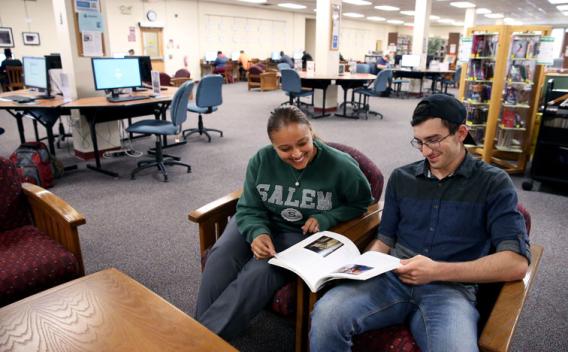
LIBRARY
Use a computer, see a tutor or just study and relax. Visit us in Donaghay Hall DON111.
SCC ALERT
Get the latest news/weather-related and school closing information.

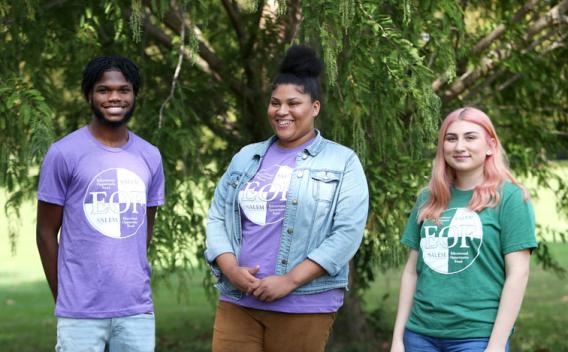
EOF
The Educational Opportunity Fund can help you stay on track during your college career.
STUDENT LIFE
Life outside the classroom is an important part of defining your success and greatness.
READY TO GRADUATE?
Everything you need to know to prepare for graduation/commencement.

STUDENT SUCCESS RESOURCES
"Success doesn't come to you...you go to it." - Marva CollinsAcademic Support Lab
The ASL can assist students to develop learning and study strategies, help students manage their time, and offer tutoring and supplemental instruction.
Transfer Credit Evaluations
Have AP/CLEP scores or college credits to transfer in from another institution? Complete this form to request a transfer credit evaluation.
Transcript Requests
Looking to get an unofficial/official transcript? Find out more here.
LinkedIn Learning
Students in Career & Technical Education programs and full-time faculty and staff now have access to LinkedIn Learning.
Career Services
SCC assist students in developing the skills necessary to achieve career success, from exploring occupations to identifying pathways to a desired career.
Make-up Testing
Make-up Testing Services assists students in meeting their academic requirements.
Print Your 1098T
Important Tax forms and information can be found here
College Catalog/Handbook
The College Catalog/Handbook is your detailed guide about YOUR Salem Community College.
Accessibility Services
The office of Accessibility Services offers a range of service to both support and accommodate students with disabilities to succeed in their academic program.
Specialty Support
SCC offers specialty support such as Developmental Education, Supplemental Instruction and Open Labs.
DEPARTMENT PAGES
Admissions
Salem Community College maintains an "open-door" policy. Any student who can profit from college instruction will be admitted, regardless of his or her academic background.
Student Accounts
The Bursar/Student Accounts Office is responsible for tuition assessment, generating and distributing tuition bills, accepting payments, refunds, collections management, and more.
Advising
Advising is a collaborative partnership between the student and the campus community that engages and supports the student.
Information Technology
The I.T. department provides access to college-supported technology services and technical assistance.
Financial Aid
The primary purpose of financial aid is to provide assistance to students who, without aid, would be unable to attend or remain in college.
Public Safety
Need assistance on-campus? Public Safety personnel are available at all times when the College is open.
Textbooks
Barnes and Noble:
SCC partners with Barnes and Noble to offer students the option to purchase texts and other material through a virtual storefront; there is no physical Barnes and Noble store on campus.
Students should check for required textbooks by going to the SCC Barnes and Noble website: https://salemcc.bncollege.com/
From the main menu, select Course Materials and Textbooks>Find Course Materials>Academic Term>Department (e.g., HIS, BIO)>Course Number>Section
Cengage:
Salem Community College also partners with the publisher Cengage to offer pre-loaded access to digital textbooks in many courses offered at SCC. If a student registers for a class that uses a book from Cengage, students will be charged a flat fee (a Cengage Unlimited license) for the calendar year. About two-thirds of the current courses use Cengage materials.
Always check the Barnes and Noble website for textbook materials. If a course is using Cengage materials you will see this notation for the course: “These course materials are included as part of your program.”
You will access your Cengage course materials by following the instructions in your Canvas course. Students new to SCC will follow the instructions in Canvas to set up their Cengage account.
Questions about the Cengage program can be emailed to academictechnology@salemcc.edu